
-
Get involved.
We want your input!
Apply for Membership and join the conversations about everything related to broadcasting.
After we receive your registration, a moderator will review it. After your registration is approved, you will be permitted to post.
If you use a disposable or false email address, your registration will be rejected.
After your membership is approved, please take a minute to tell us a little bit about yourself.
https://www.radiodiscussions.com/forums/introduce-yourself.1088/
Thanks in advance and have fun!
RadioDiscussions Administrators
You are using an out of date browser. It may not display this or other websites correctly.
You should upgrade or use an alternative browser.
You should upgrade or use an alternative browser.
What software reads Simian log (.bsi) and music index (audio.mdb)?
- Thread starter bigdonho
- Start date

K.M. Richards
Program Director, The Eighties Channel™
.BSI files are proprietary to Simian and can only be opened in Simian itself. I suspect .MDB files are similarly restricted.
The .MDB extension is the standard file format extension for the database program Microsoft Access. If you have a copy handy you can try opening them in Access. If you don’t have a copy handy, it’s kind of pricey, so it’s up to you whether or not to take a chance and buy it.
K.M. Richards
Program Director, The Eighties Channel™
The .MDB extension is the standard file format extension for the database program Microsoft Access.
No wonder I didn't know! I haven't used a database program since the days of dBase III!

Thanks for that additional info.
K.M. Richards
Program Director, The Eighties Channel™
Actually found the answer on another board. You can use an older version of Access to open and edit both the .bsi files and the audio.mdb files.
Hearing this, I am curious as to which version of Access works for this purpose as my Albuquerque client station uses BSI Simian.
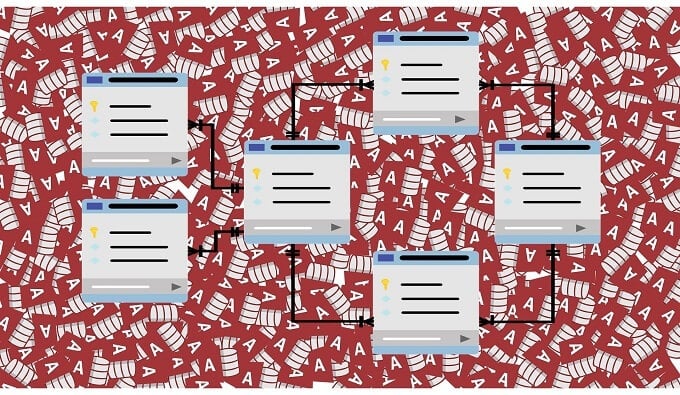
This might help. As I suspected you should be able to open an Access file in Excel
 helpdeskgeek.com
7 Ways To Open An MDB File Without Microsoft Access
So, you’re here because you’re trying to open a file with an “.MDB” file extension, but don’t have a copy of Microsoft Access to reveal its mysteries. Just what is this file format and, for that matter, what’s Microsoft Access? The first question is related to the second, but let’s start with...
K.M. Richards
Program Director, The Eighties Channel™
Thanks, but I am more interested in seeing if there is a way to open a .BSI file outside of Simian.
For those not familiar with that software, the .BSI file is what the automation uses for playback of the day's programming.
For those not familiar with that software, the .BSI file is what the automation uses for playback of the day's programming.
K.M. Richards
Program Director, The Eighties Channel™
I used MS Access97 from an old CD I found in my archives. (Actually, the archives are a cardboard box with a bunch of stuff in it that I am reluctant to throw out.)
Thank you. I have a computer which runs the "97" versions of Microsoft Office without compatibility issues and now I know what to go scrounging around for.
- Status
- This thread has been closed due to inactivity. You can create a new thread to discuss this topic.